Payouts
This tab manages the process of paying affiliates their earned commissions. Once a commission is approved, it appears here as part of a payout. Admins can see the total amount due to each affiliate, track payment status Paid and Pending.
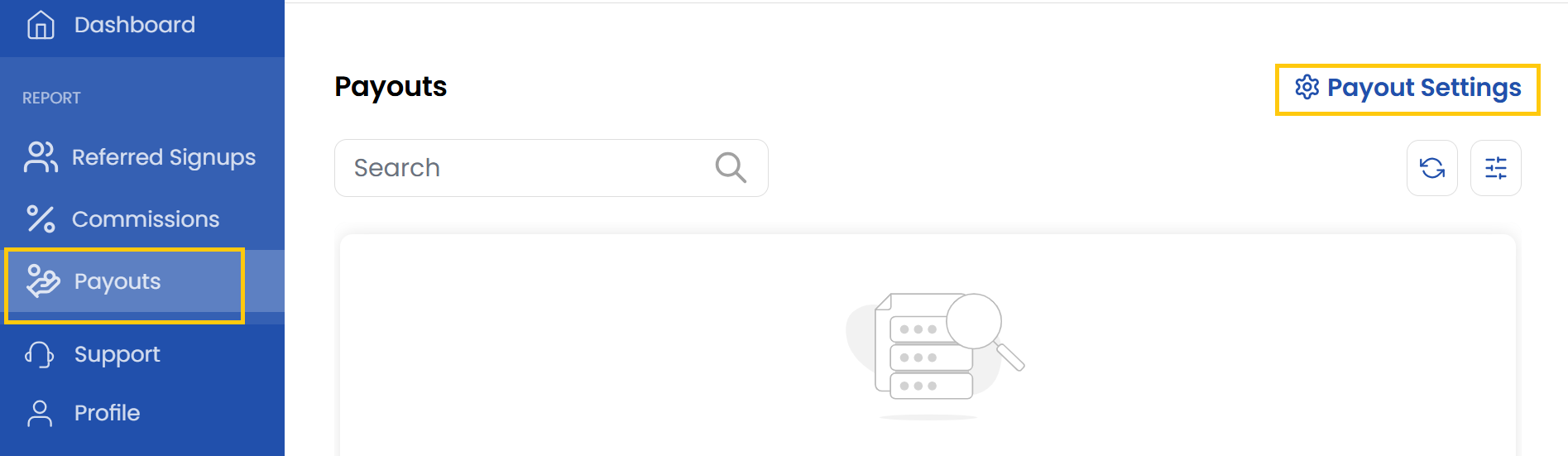
- From left-hand side of the page click on Payouts to view the list of affiliate payouts.
- To change payout settings click on Payout Settings.
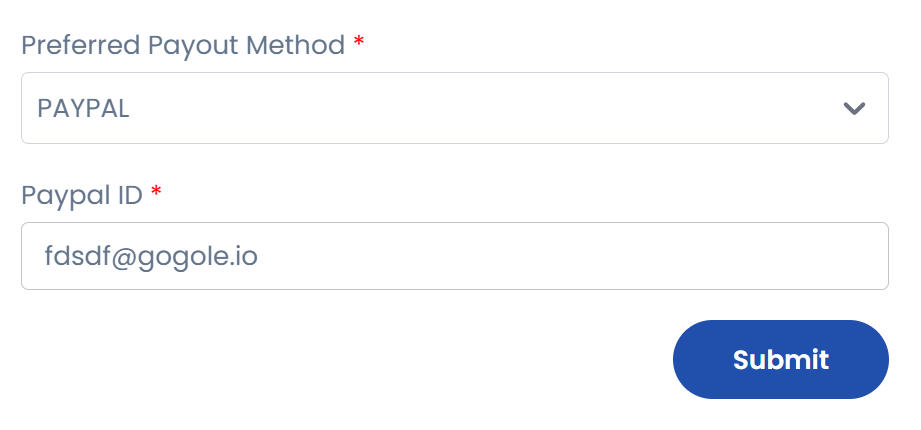
- Choose the preferred payment method and enter the details. Click on Submit.
Conclusion
The Payouts section provides complete control over affiliate payments, from tracking pending amounts to processing transactions. For any payment-related inquiries, please contact the finance support team through the help center.