Categories
Product Categories
The Product Categories tab in StackConsole allows administrators to group products into structured, easy-to-navigate classifications. Categories help organize the product catalog and enhance discoverability for both administrators and customers. Each product must belong to a category before it can be published.
- From the Products section in the left-hand side menu, navigate to Categories to view all existing product categories.
- To create a new category, click on Add Category located on the right-hand side of the page.

- Name: The title of the category (e.g., "Compute", "Storage", "Backup Solutions").
- Description: A brief explanation of what kind of products the category contains.
- Status: Set the category as Active to make it available or Inactive to temporarily disabled.
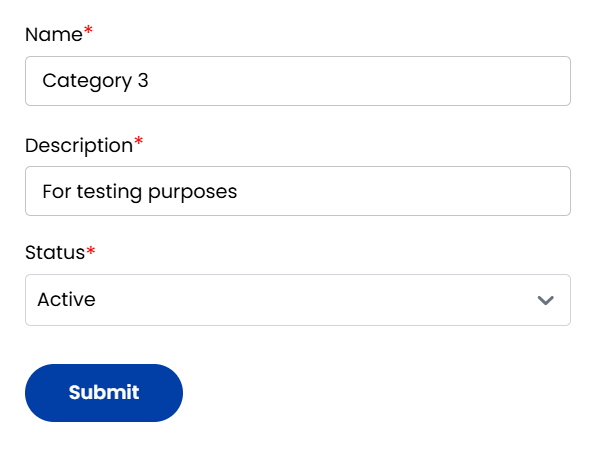
Once all fields are completed, click Submit to create and save the category.
Conclusion
The Categories tab in StackConsole is fundamental for maintaining a well-organized product catalog. Proper use of categories enhances internal navigation, streamlines product management, and improves the customer experience when browsing your service offerings.